You’re a barista, not a cashier.
Guests order and pay at the kiosk. You make the coffee.
One order, from kiosk to receipt
The film follows one order all the way through, in under two and a half minutes.
The film is in German.
Summary: at the kiosk a guest picks a nickname, orders a drink, accepts a suggestion at 10% off and pays by card. The team sees the order on the barista display and taps “Start” and “Fertig” (done). The pickup screen shows the guest’s name, and the digital receipt is available by QR code. The film ends in the dashboard, with sales figures, the menu and the daily close.
How it works
Order at the kiosk
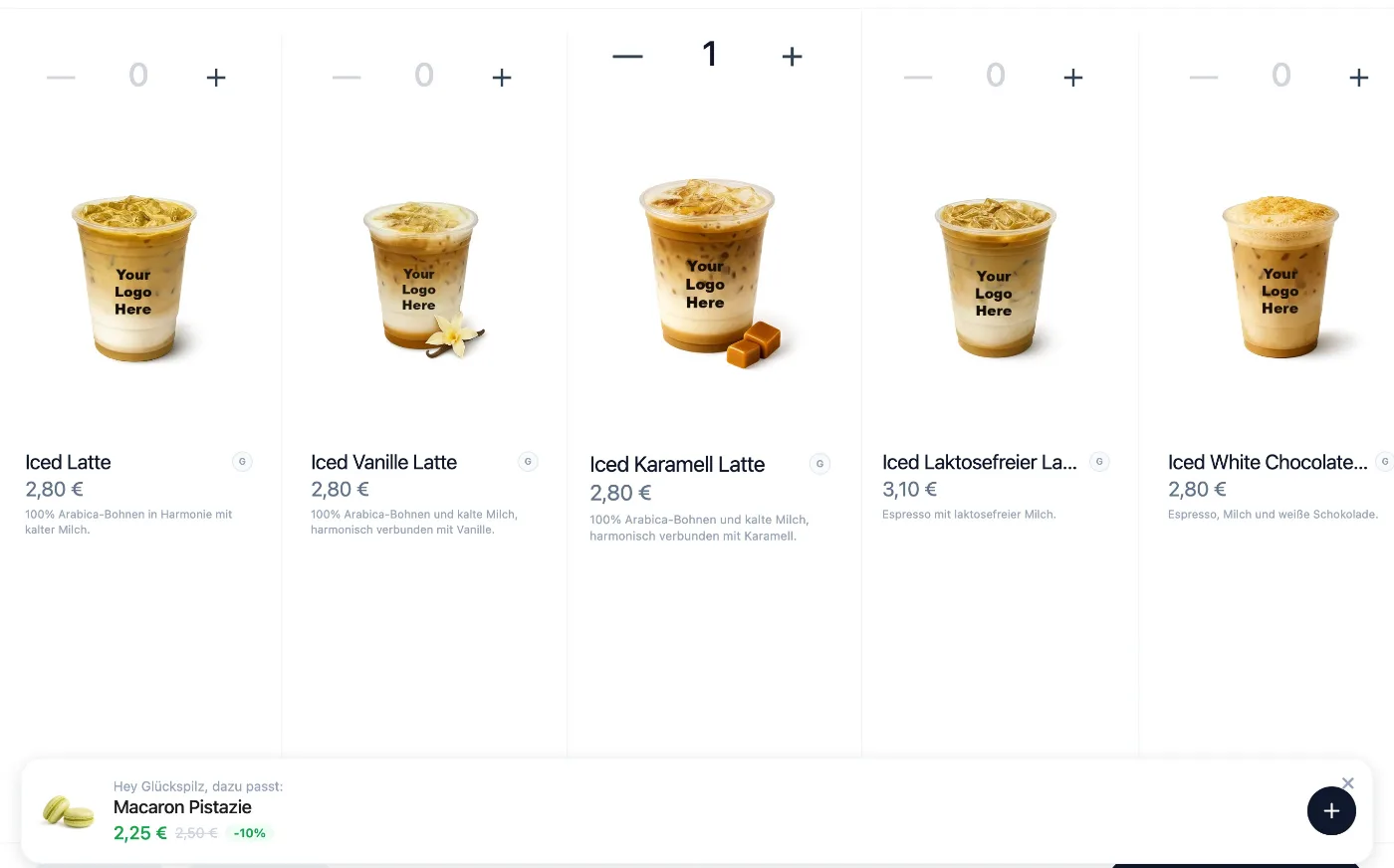
The guest picks a drink and either chooses a nickname or types their name. Every product lists its allergens. The kiosk then suggests something to go with it, at 10% off.
At the counter
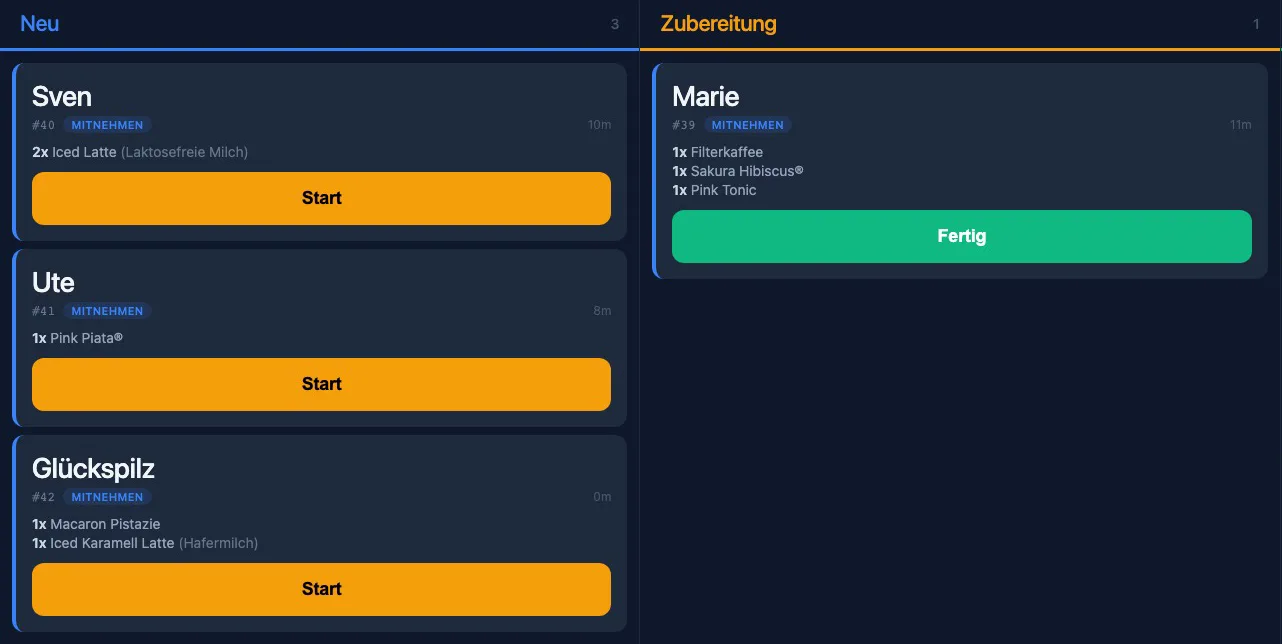
The order shows up on the barista display straight away, always in German, whatever language the guest ordered in. One tap on “Start”, one tap on “Fertig”.
Pickup
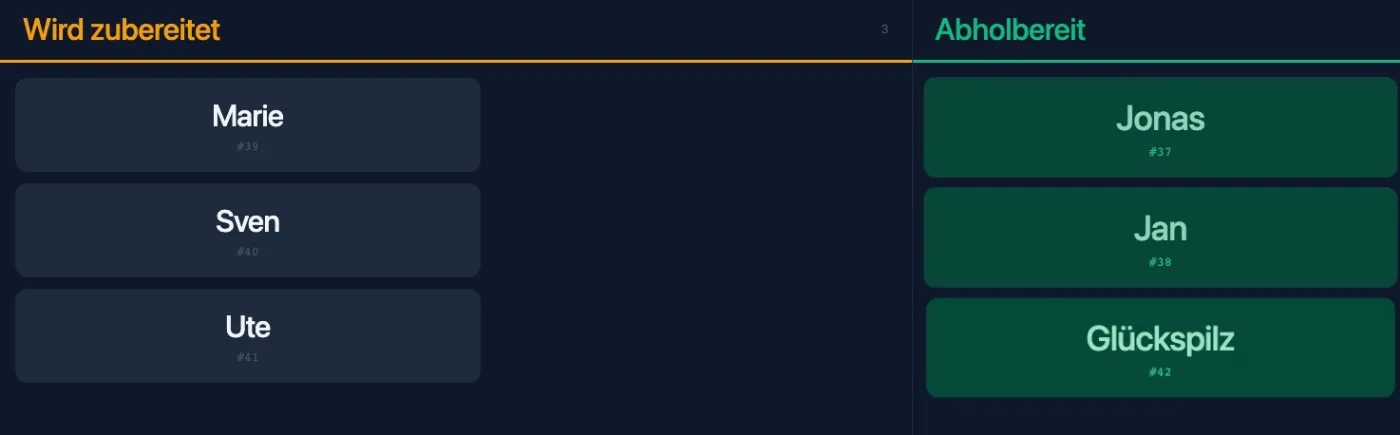
Nobody has to shout. The pickup screen shows the name and order number as soon as the drink is ready.
Receipt
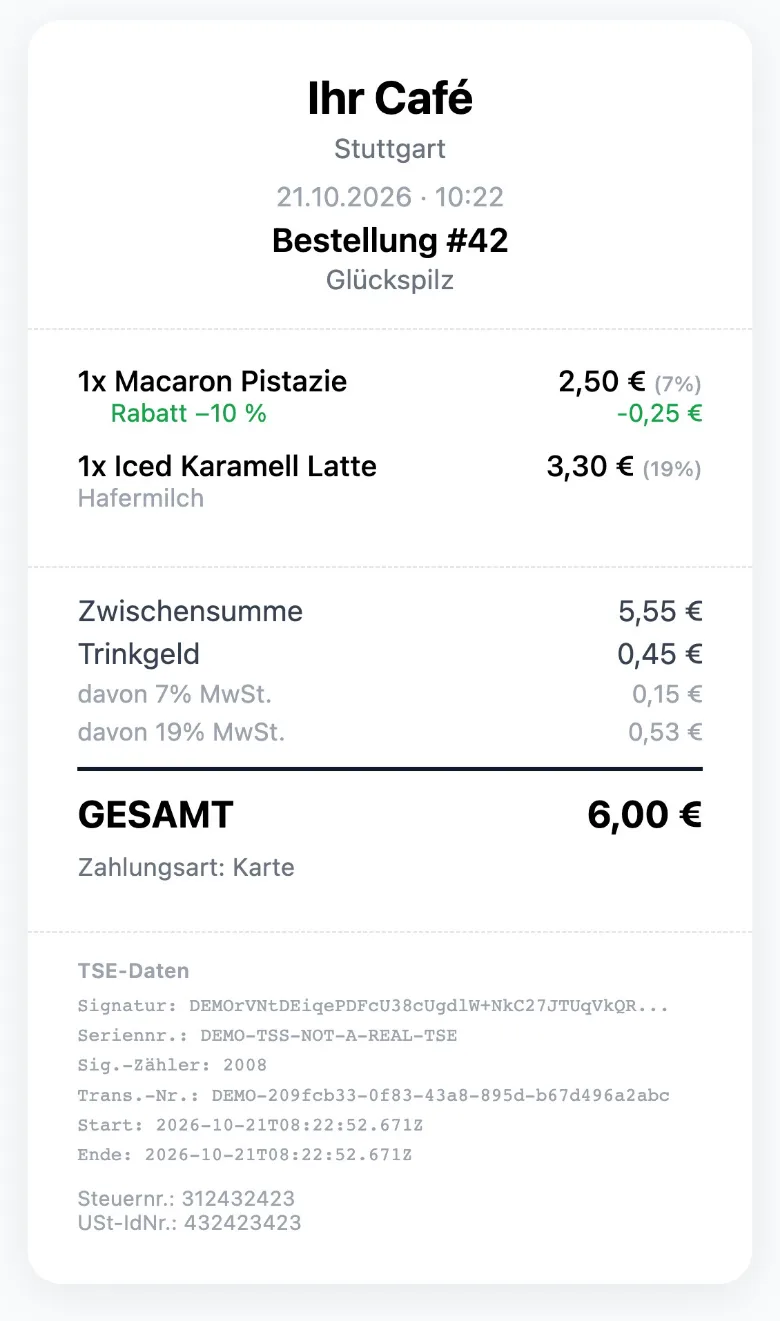
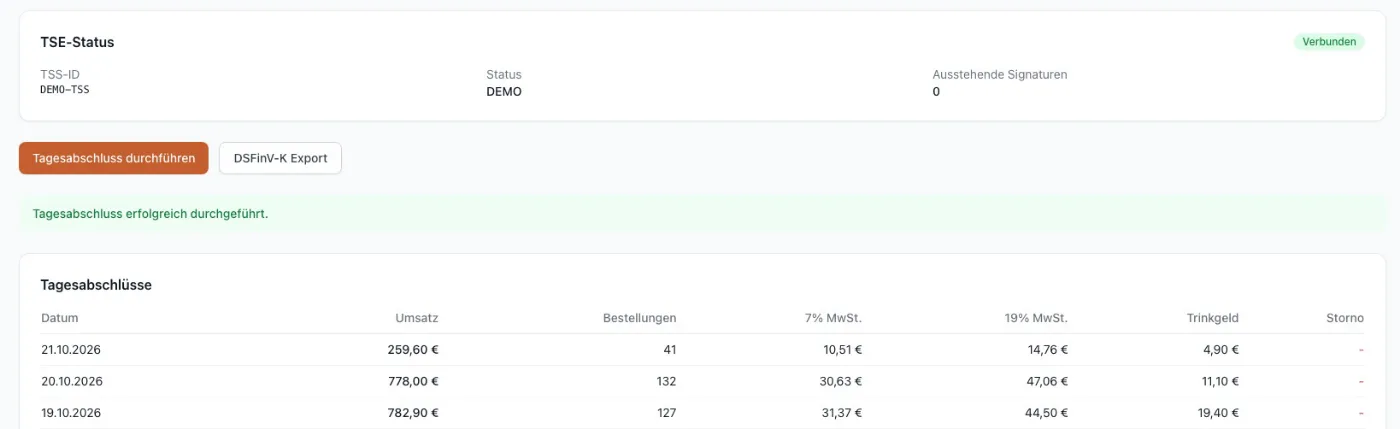
The guest gets the receipt digitally: scan the QR code, done. Once you’re live, every receipt is signed by fiskaly’s cloud TSE.
For owners
The dashboard shows you what’s happening behind the counter.
Daily close and DSFinV-K export
You run the daily close with one click. You start the DSFinV-K export for the tax audit from the dashboard.
Menu and sold-out items
You maintain products and prices. When something runs out, you mark it as sold out.
Suggestions and combos
You decide which add-on is suggested with which drink, and you put together combo offers.
Reports
Revenue, orders, average order value and best sellers, by day.
Several locations and roles
Each location has its own menu and its own kiosks. Your team gets one of three roles: owner, manager or staff.
Built for German rules
What Kova covers:
- Once you’re live, receipts are signed by fiskaly’s cloud TSE, the technical security system German law requires for tills.
- Daily close and DSFinV-K export for tax audits.
- Digital receipts by QR code.
- The kiosk shows each product’s allergens (the 14 listed in the EU food information regulation); you enter them in the dashboard.
- Kiosk prices are final prices including VAT; the receipt shows 7% and 19% separately.
Kova helps with these obligations, but responsibility for your till and your books stays with you. Your tax adviser can advise on the details.
Pricing
One fixed price per location. No revenue share.
Kova price list (net)
- Kova Café€149.00
per month, per location
- Yearly€1,490.00
per year, per location; two months free, no setup fee
- Additional kiosk€49.00
per month
- Setup€299.00
one-off
All prices plus VAT. The offer is for businesses (B2B).
The iPad, stand and card terminal are not included. SumUp bills card fees to you directly.
Book a demoQuestions
What hardware do I need?
An iPad with a stand for the kiosk and a SumUp card terminal. You provide both. The barista display and the pickup screen run in a browser on any device with a screen, such as a tablet or laptop.
Which languages can guests order in?
The kiosk is multilingual: German, English, Turkish, Spanish, French, Russian, Ukrainian and Arabic. The barista display always stays in German.
How do guests pay?
By card at the SumUp terminal or in cash. Guests can add a tip if they like.
Does Kova need an internet connection?
Yes, Kova needs a stable internet connection. The kiosk, barista display, pickup screen and card terminal all work together over it.
How is billing handled?
Monthly or yearly. The yearly plan is €1,490.00 net per location; two months are free.
Who is behind Kova?
Me, Aydın Can Polatkan. Kova is made by AICP.Agency, my one-person business, and in the demo you talk to me directly.
Book a demo
I’ll show you Kova on a video call and answer your questions. Just send me an email.
Or call: +49 160 849 2948